Scrim analytics · Overwatch 2
Every stat the scoreboard doesn't show you
Parsertime turns raw scrim data into skill ratings, trend lines, and the insights that change how you coach.
Trusted by 522+ teams
- Stats tracked
- 0+
- Kills tracked
- 0+
- Maps uploaded
- 0+
- Uptime guarantee
- 99.99%
Trusted by collegiate and professional teams


New in v3
See the fight from above
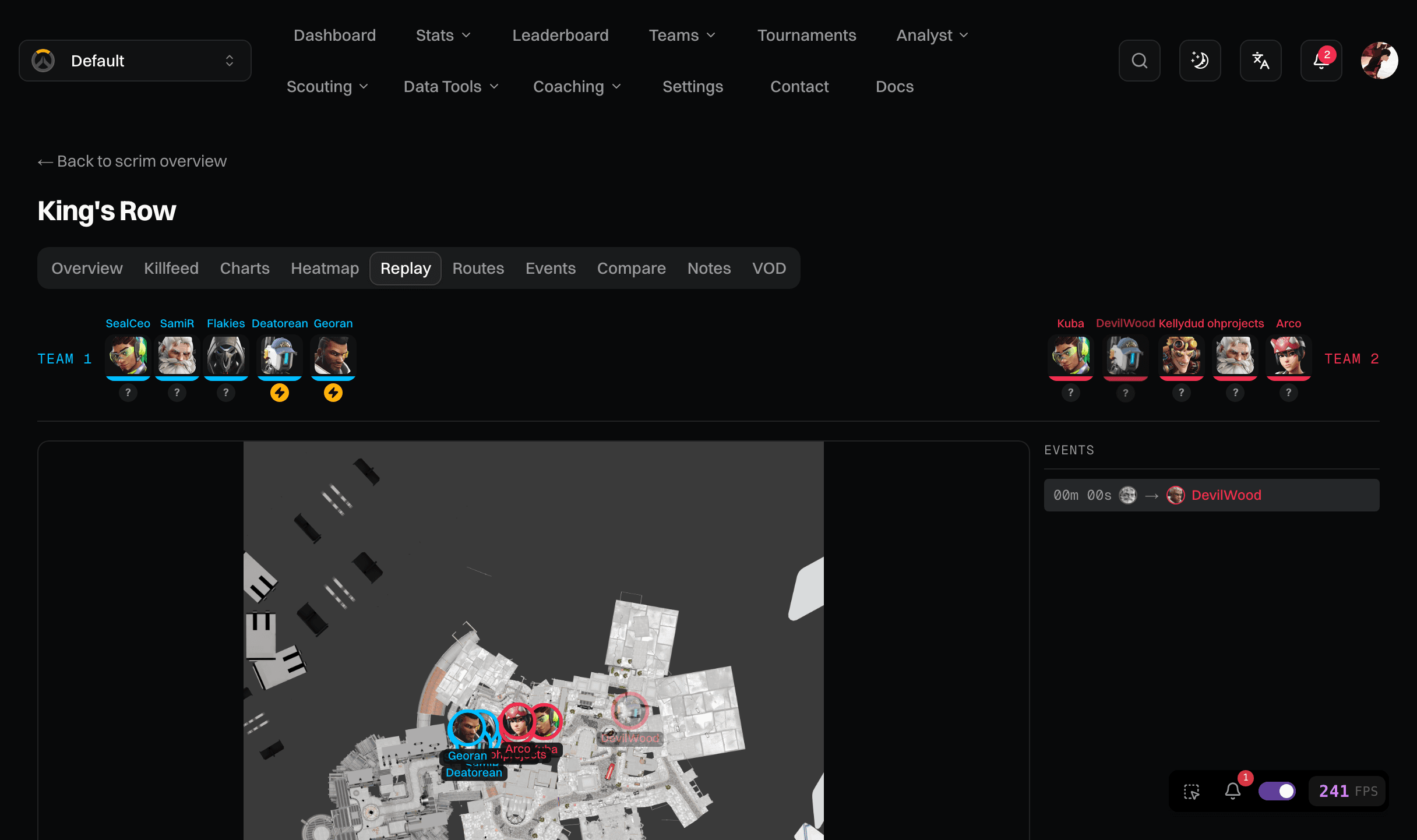
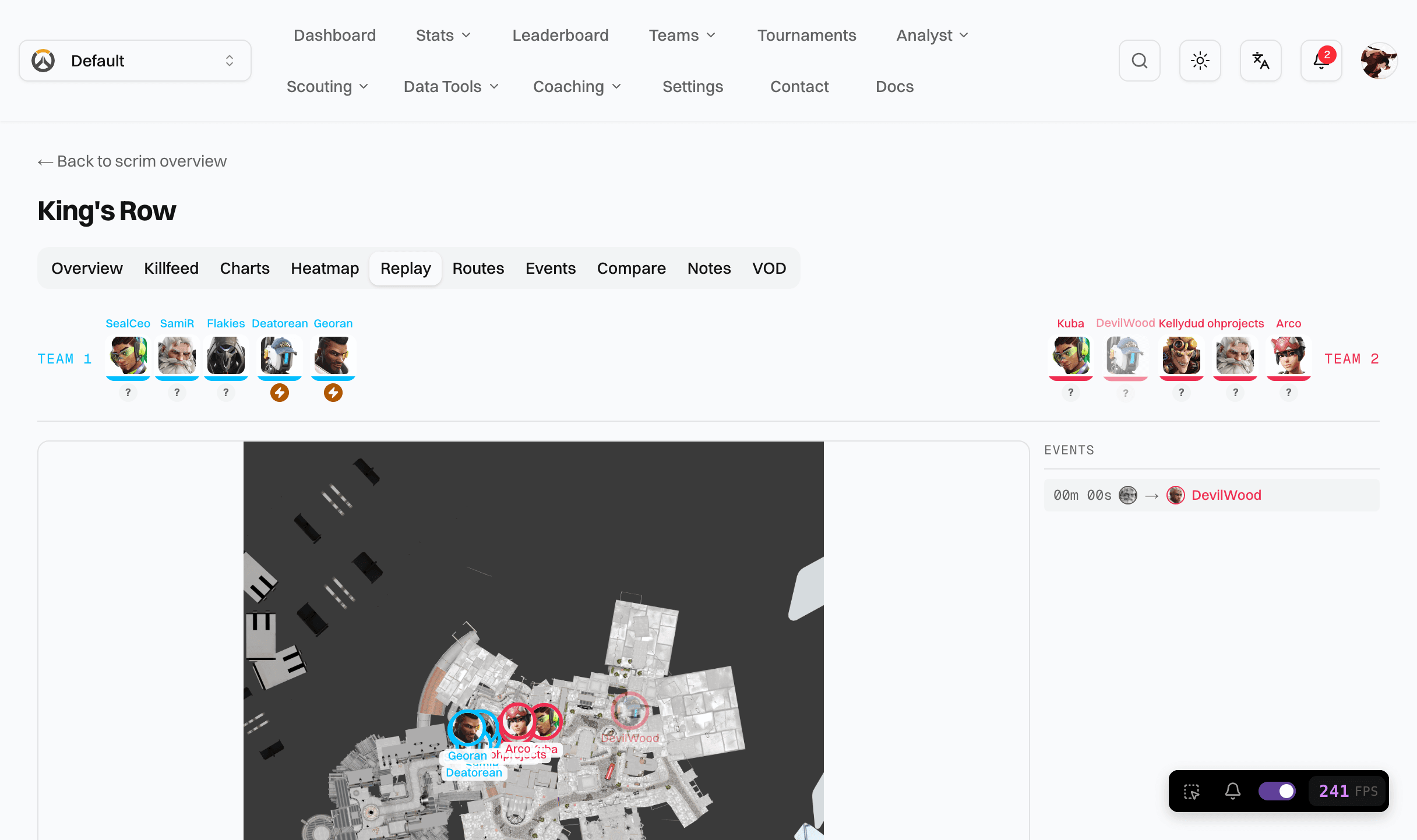
First-of-its-kind positional analytics for Overwatch 2. Every scrim becomes a top-down replay: watch rotations unfold, find the angles you keep dying to, and measure positioning with numbers no other tool has.
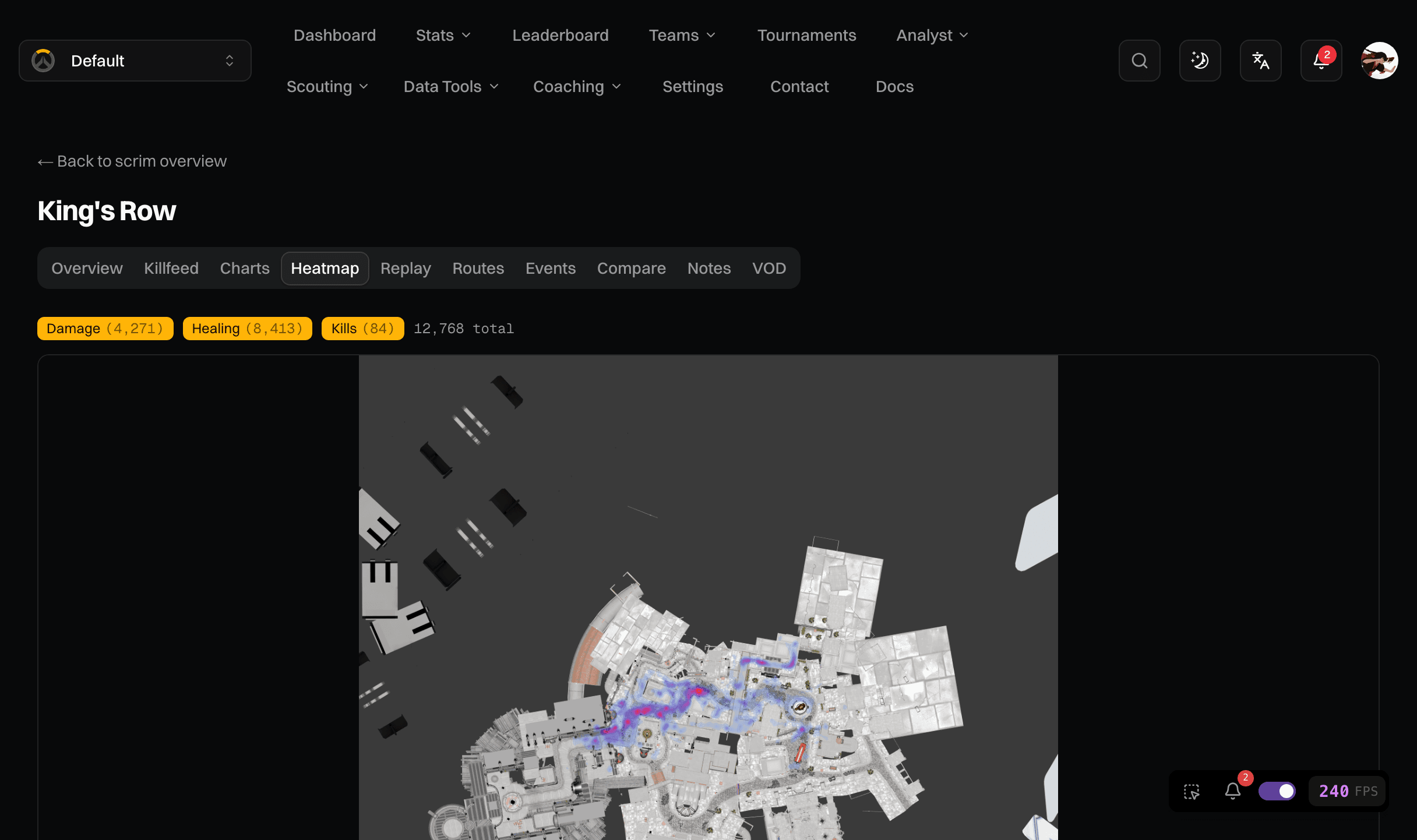
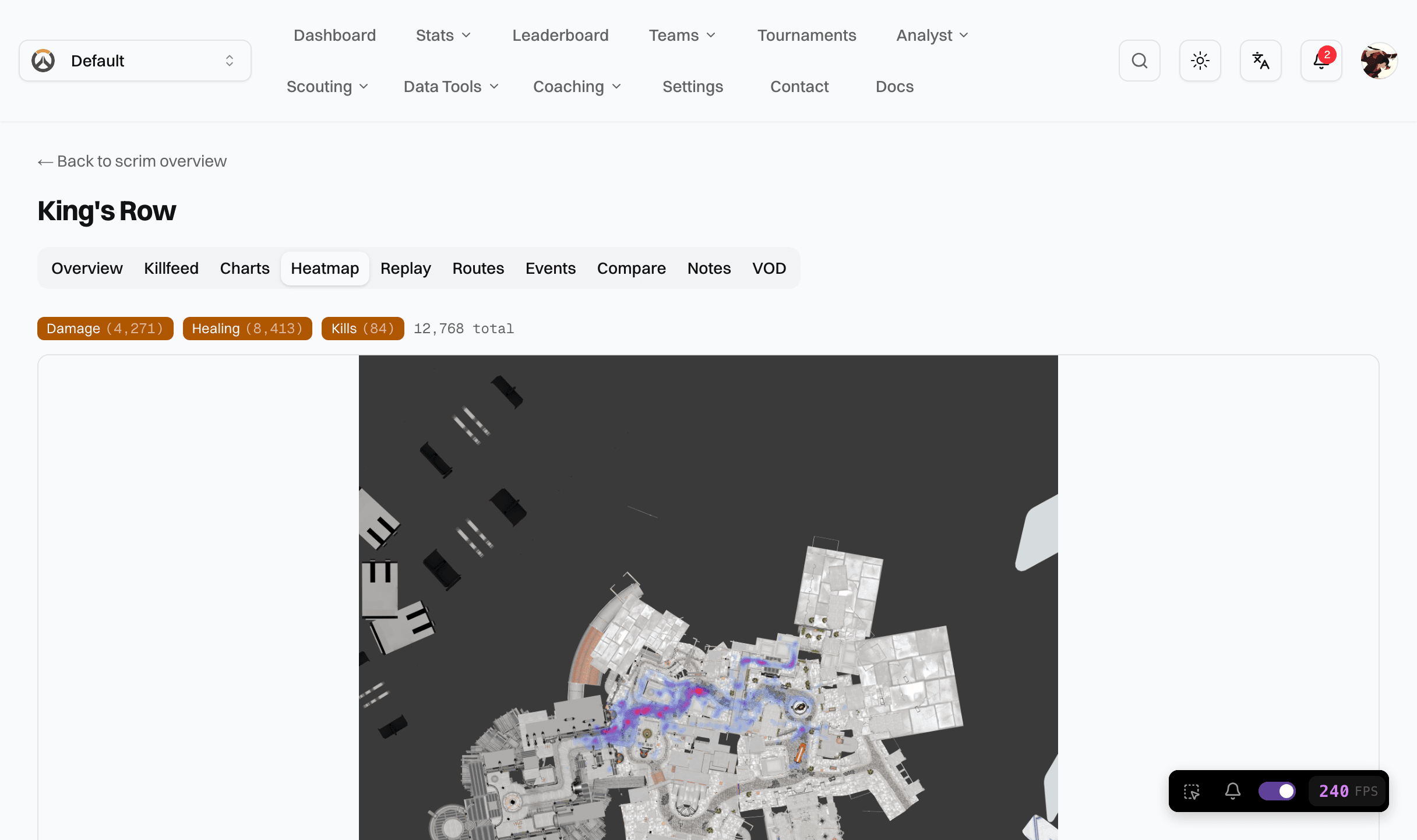
Map replay viewer
Scrub through any teamfight in a top-down view. Player paths, ult timings, and kill events plotted on calibrated map images.
Heatmaps
Kill, death, and presence density rendered per map and side. See exactly where fights are won and lost.
Positional averages
Engagement distance, high ground kill rate, isolation deaths: positioning metrics averaged across scrims and trended over time.
Built for competition
See what the scoreboard doesn't show
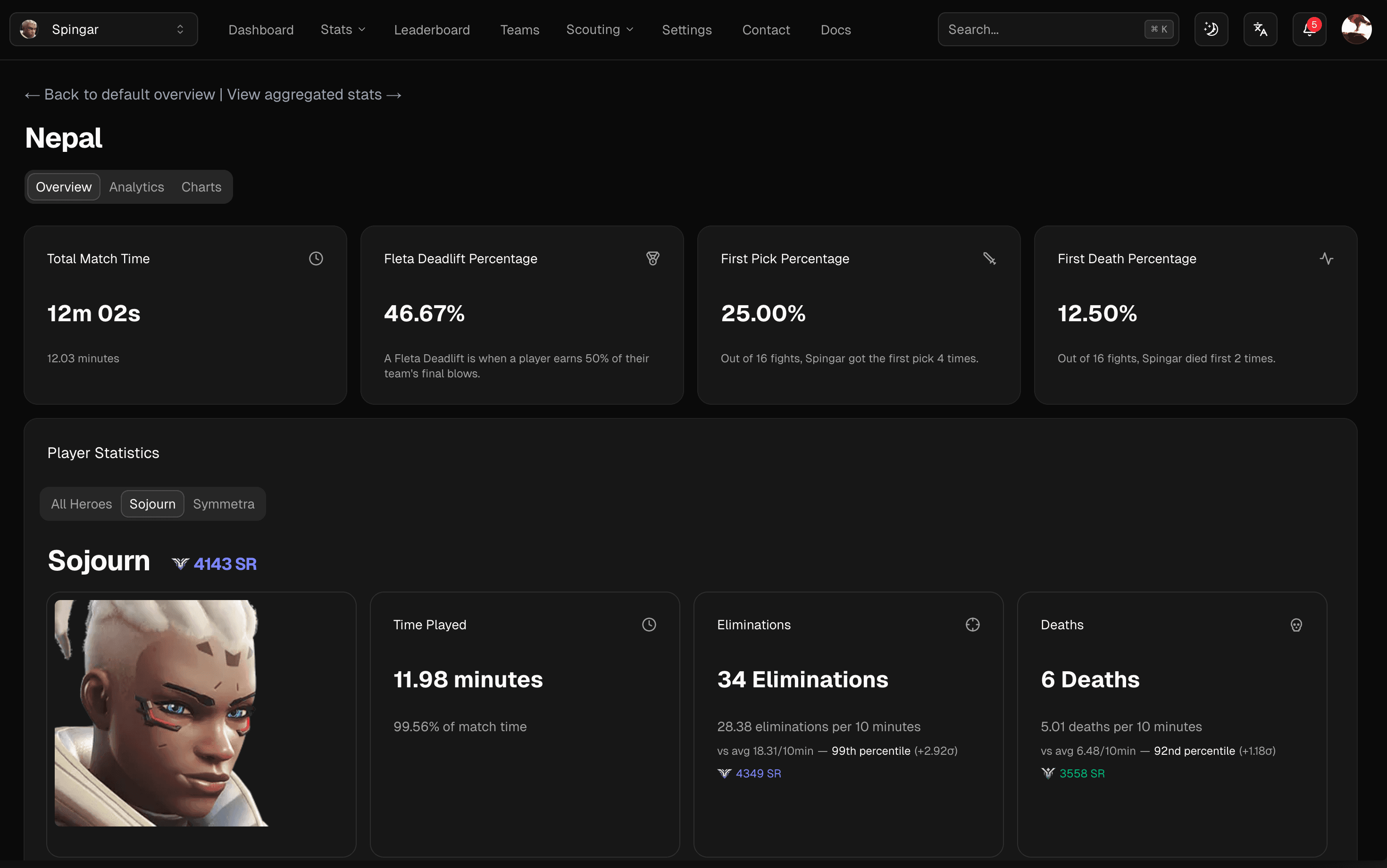
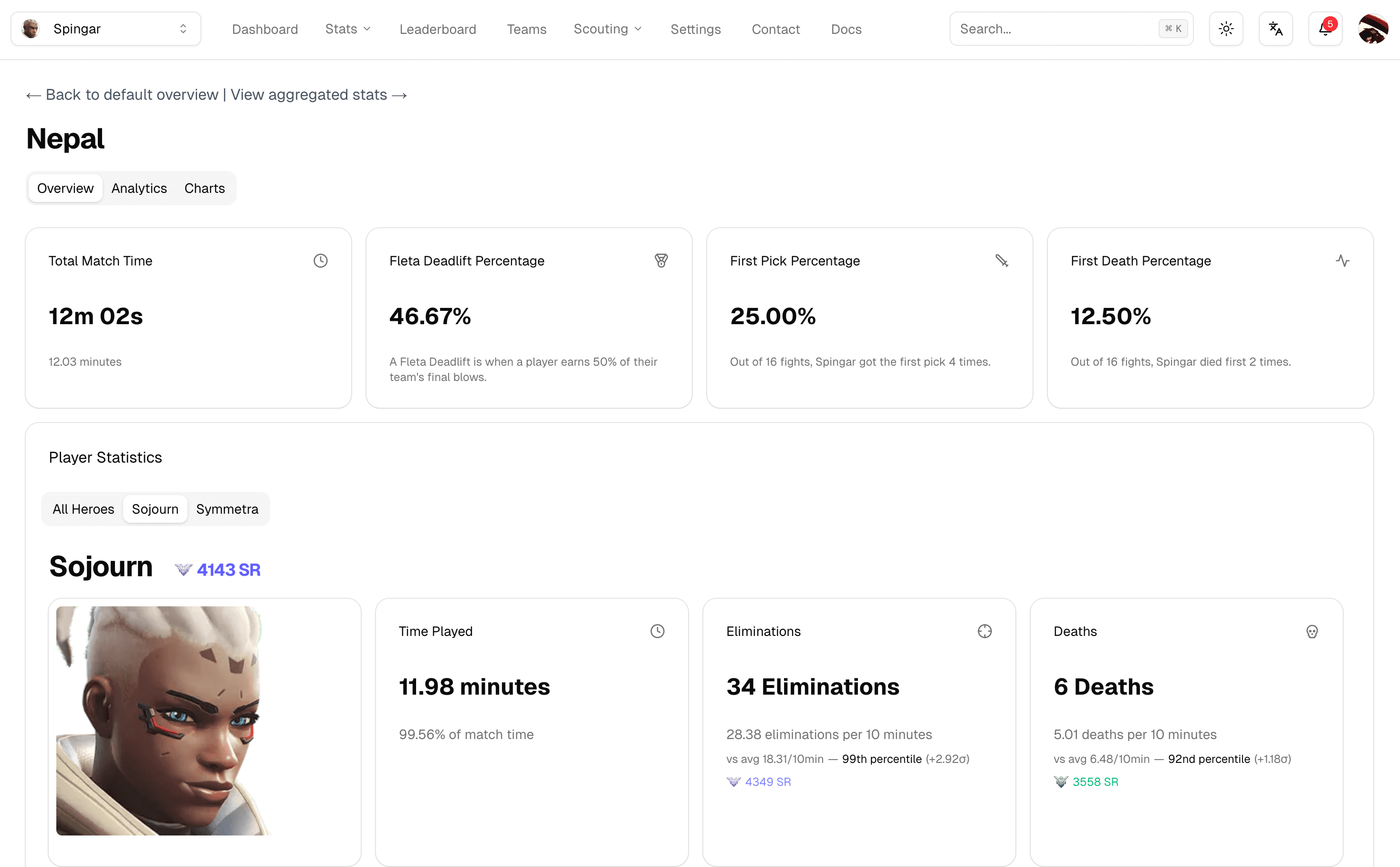
Parsertime captures the full picture — killfeeds, hero swaps, ultimate economy, and role-specific performance — so you can coach with data, not guesswork.
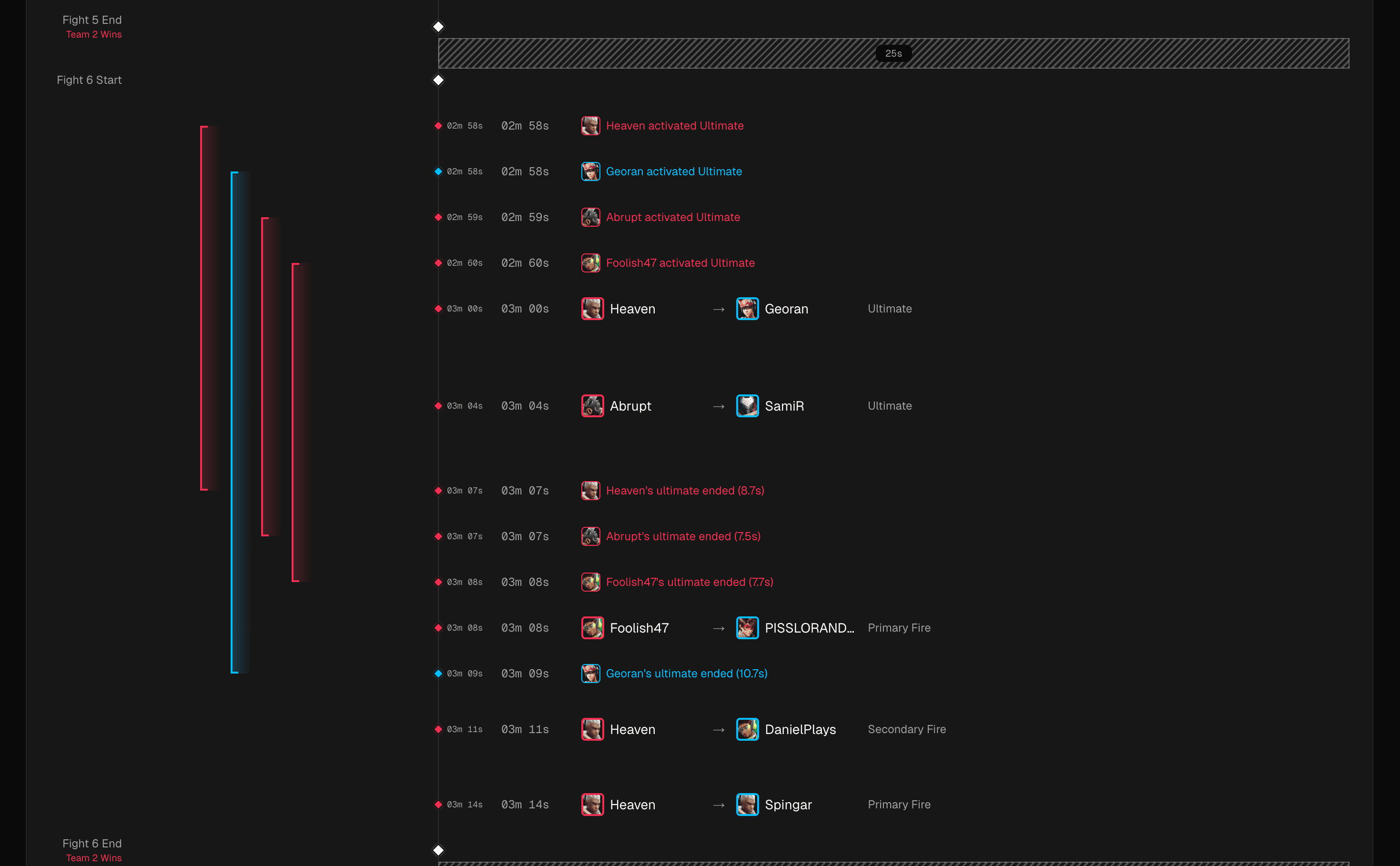
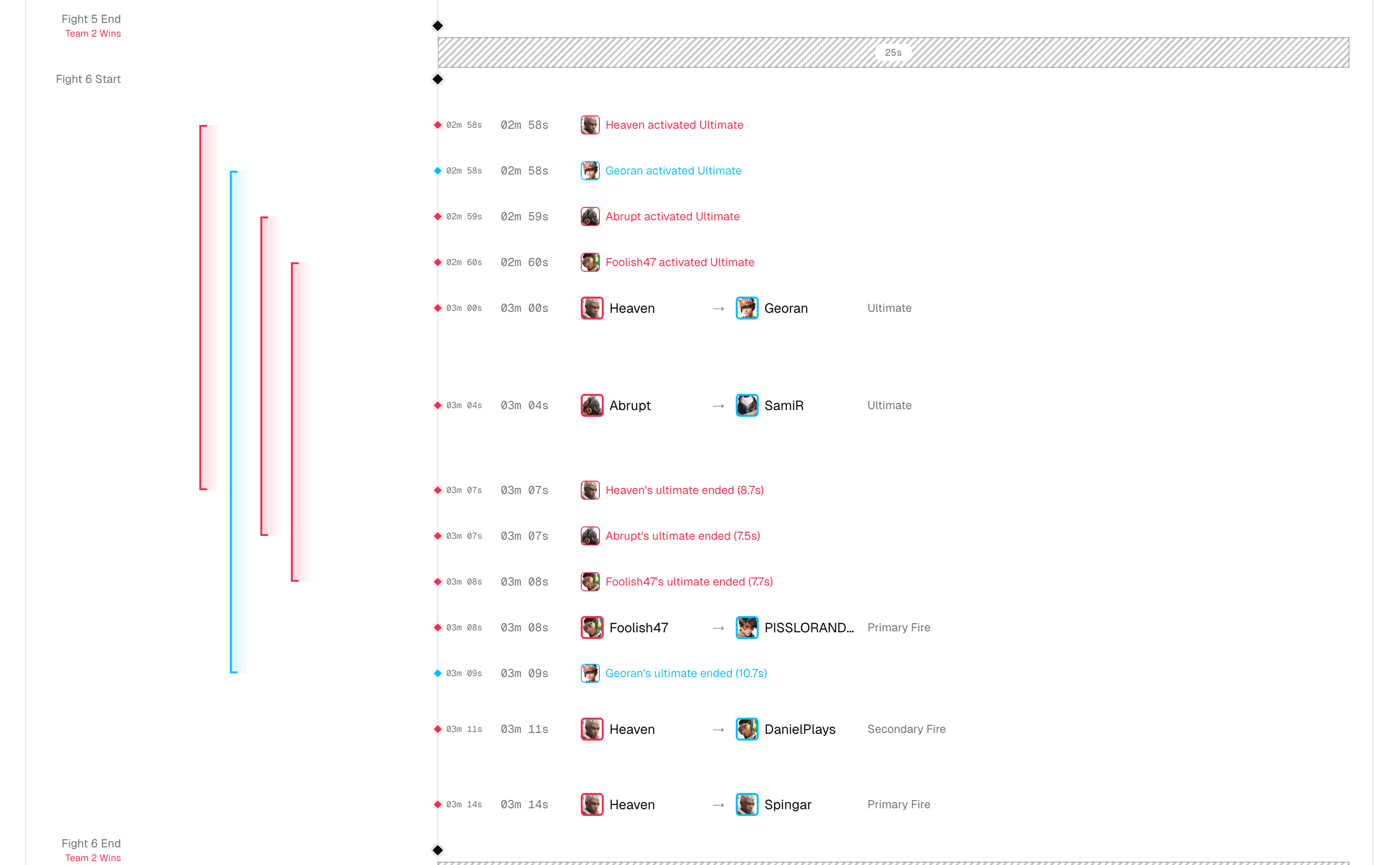
Rich data visualizations
Data that drives decisions
Charts, tables, and breakdowns that surface the stats that matter most to your coaching.
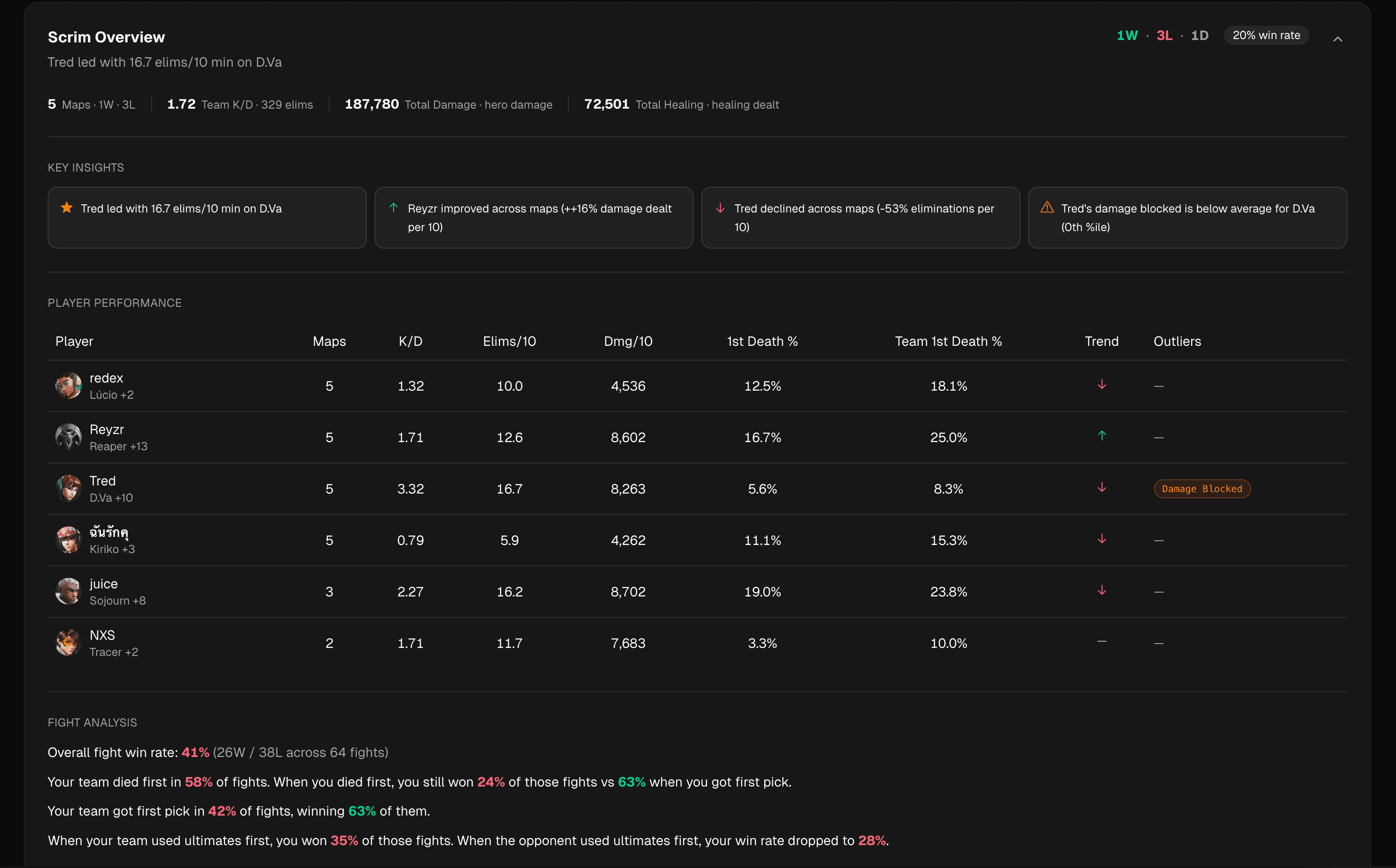
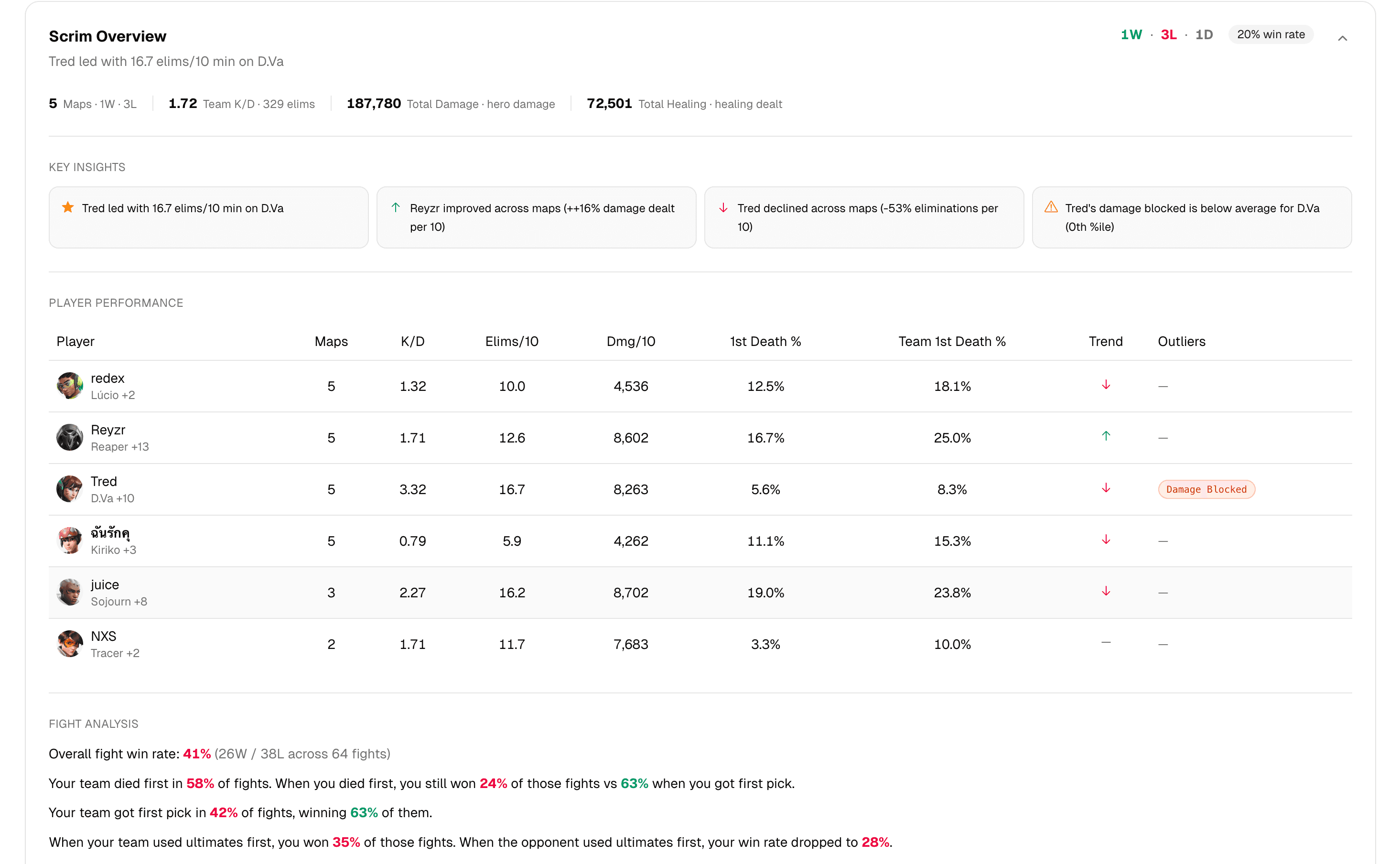
Scrim overview at a glance
Every metric, one card
See map results, match time, first pick rates, and more on a single card.
Your whole team, one place
No more spreadsheets
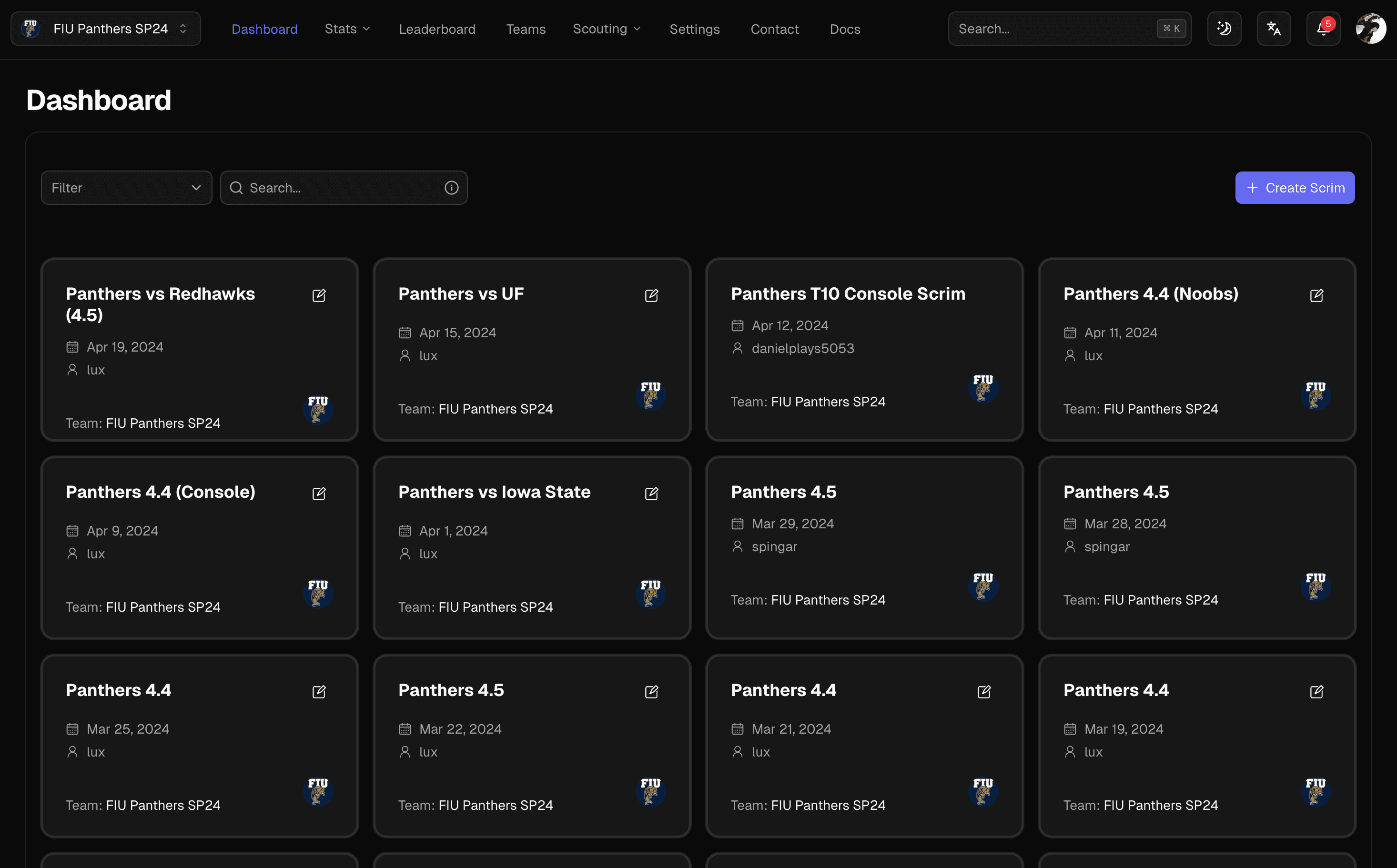
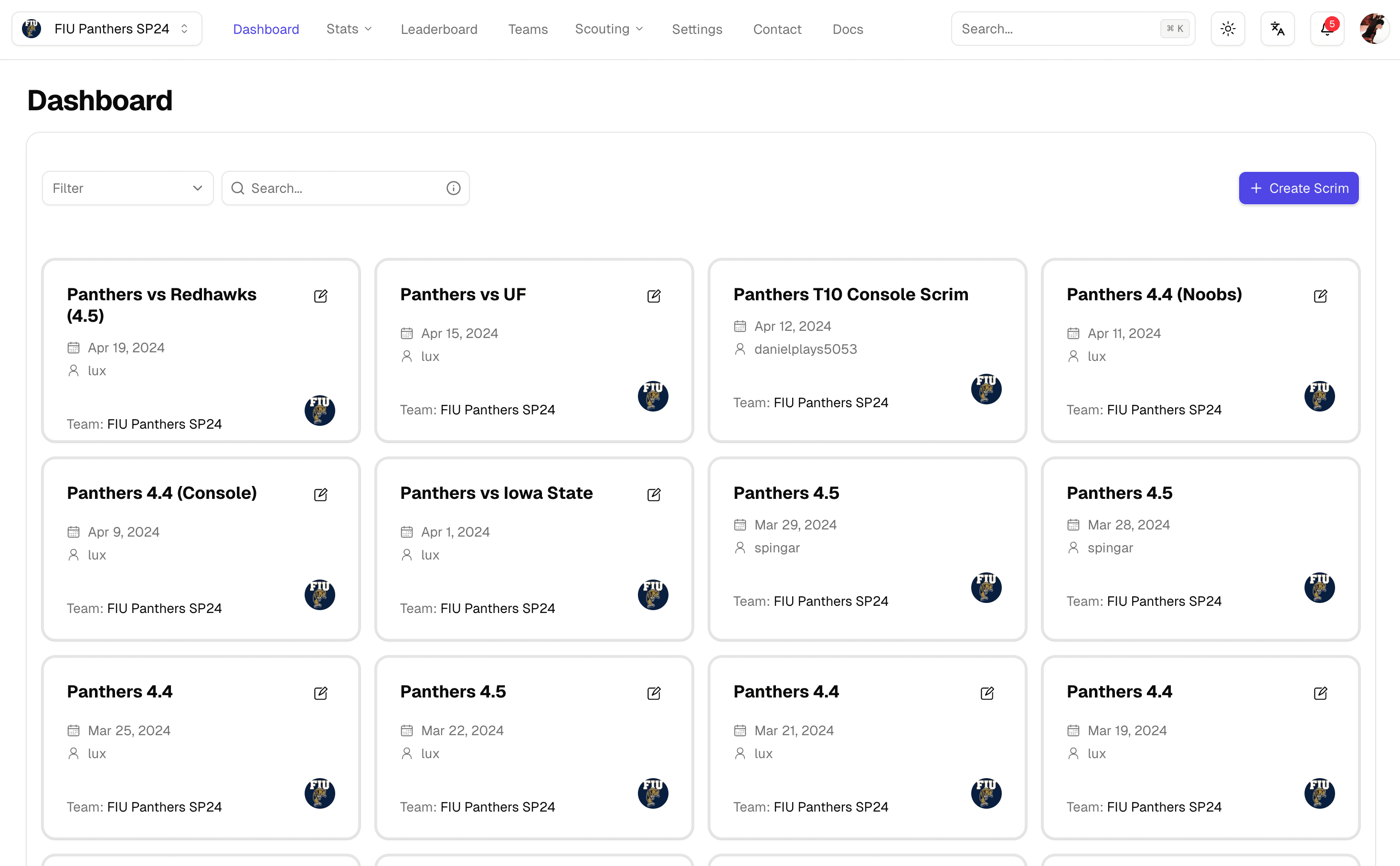
Invite players and coaches to a shared workspace where everyone sees the same data.
Track trends over time
Spot what's changing
Filter by week, month, or season to see how your team is progressing and where to focus next.
Private by default
Your data, your team
Passwordless login, team-scoped permissions, and zero data sharing. Your scrims stay yours.
How it works
From raw logs to coaching calls
Drop your Workshop logs in after the block. Parsertime parses every event, computes ratings and positioning, and turns the night's scrims into dashboards before VOD review starts.

Get started in minutes.
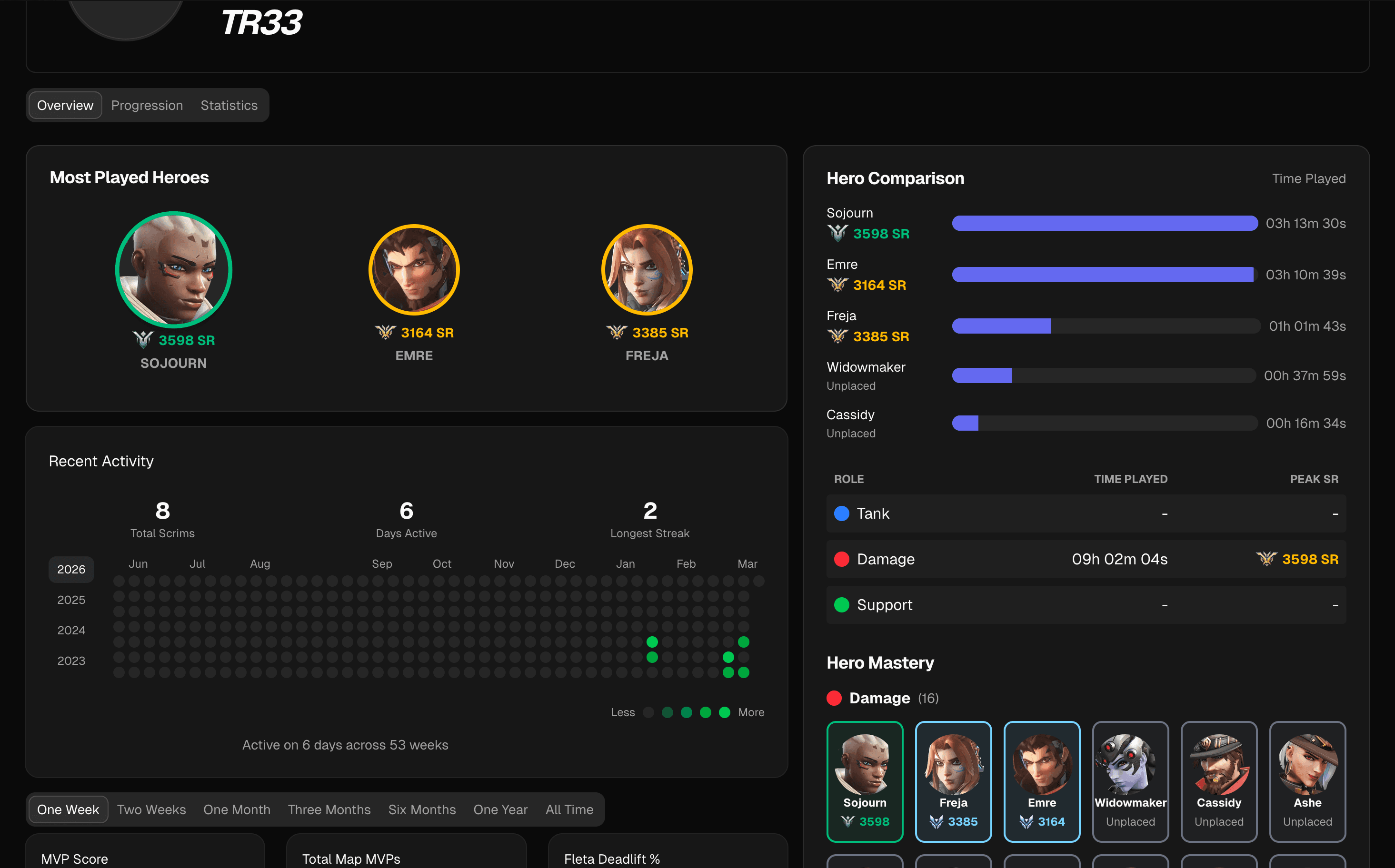
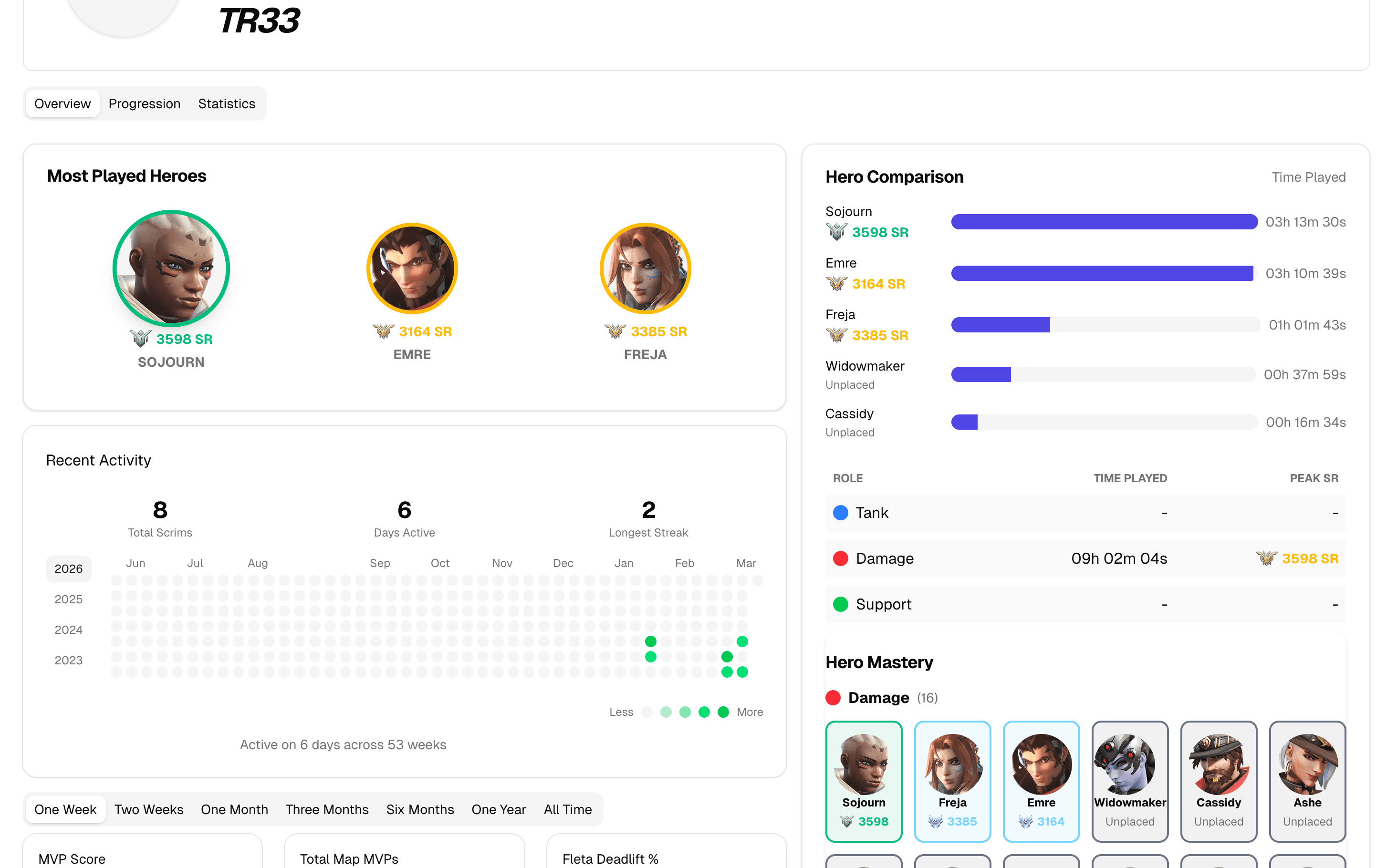
Custom Hero Skill Rating
Know exactly where you stand
Our proprietary CSR system rates every player on a 1–5000 scale using statistical Z-scores across role-specific metrics. See your tier badge, track your improvement, and compete on the leaderboard.
- Per-hero ratings Individual skill ratings for every hero you play, weighted by role-specific stats like eliminations, deaths, and healing.
- Tier badges From Bronze to Champion — see your rank at a glance with visually distinct tier badges.
- Population distribution Understand where you fall in the player population with bell curve distribution charts and percentile rankings.
Team Analytics Dashboard
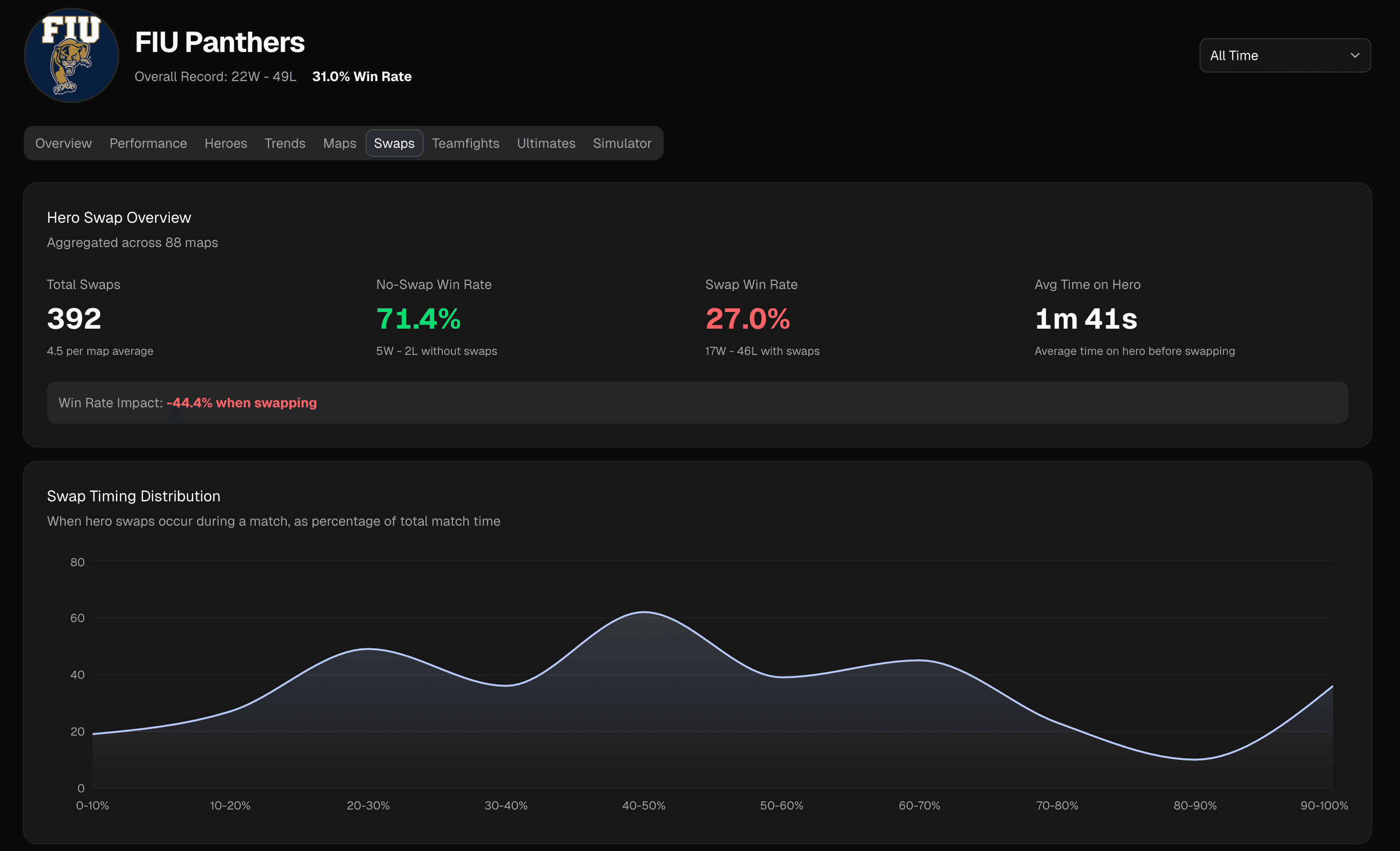
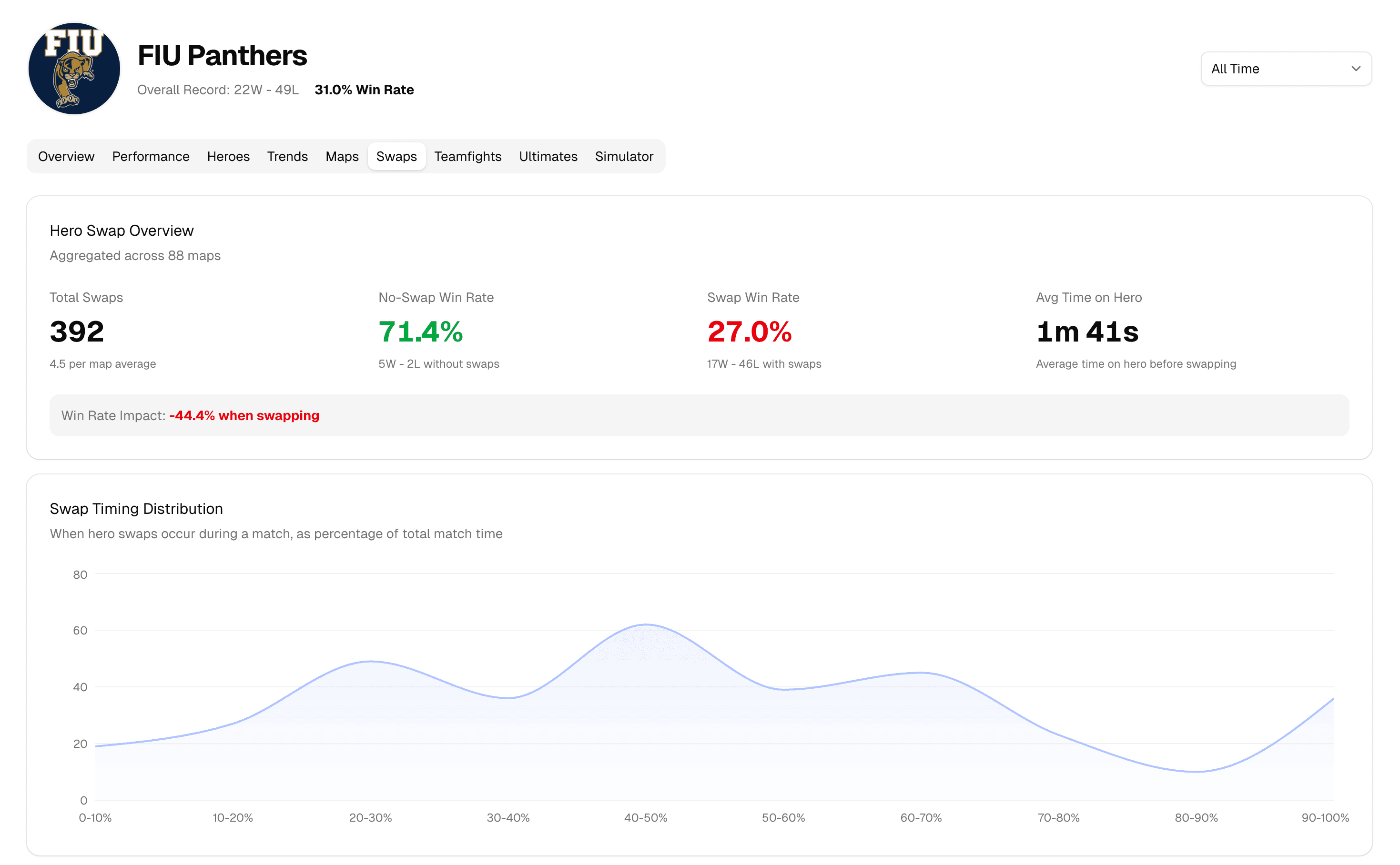
Eight dimensions of team performance
Dive deep into your team's performance with dedicated tabs for Overview, Performance, Heroes, Trends, Maps, Swaps, Teamfights, and Ultimates.
- Rich visualizations Radar charts, heatmaps, trend lines, and map galleries that make patterns obvious at a glance.
- Role balance analysis Compare Tank, Damage, and Support performance with normalized radar charts and find your team's strengths.
- Winrate trends Track your team's trajectory week over week with trend lines that show exactly what's working.
5 out of 5 stars
“In my 8 years of coaching, I have used many different tools for analysis but this is the one I wish I had all along. Parsertime has been a game changer for us by identified trends and metrics that would otherwise be overlooked with just coaches watching alone. Both the ability to track team improvement incrementally and developing scouting plans based on scrim data make this tool a must for any serious coaches and teams.”

Your scrims hold the answers.
Start coaching with data today.
Create a team, upload your first scrim, and see results in minutes. Free to get started — no credit card required.